Convert Photo to Embroidery Pattern: Beginner-Friendly Guide
By Anna William
128 Views
Introduction: You Can Actually Do This
I remember my first attempt to turn a photo into embroidery. I picked a detailed picture of my cat, loaded it into some fancy software, and got a mess of stitches that looked like a tangled hairball. I almost gave up. But then I learned the secret: you don't need to be a pro. You just need the right beginner‑friendly process. That’s exactly what I’m sharing today. Let me show you how to Convert Photo to Embroidery Pattern without losing your mind or your weekend. Grab your hoop, and let’s stitch something personal.
Why Beginners Overcomplicate This (And How You Won’t)
Most new embroiderers make the same mistake. They think more detail equals a better pattern. So they keep every shadow, every highlight, every tiny whisker. Then they wonder why their fabric looks like a war zone.
Here’s the truth. Embroidery is not a photograph. It’s an interpretation. Think of it like a coloring book. You want clear shapes, solid areas of color, and lines thick enough to follow with a needle. When you simplify your photo, you actually make it more beautiful in thread form.
So breathe. You’re not removing detail. You’re translating it into the language of fabric and floss.
What You Need Before You Start
Let’s keep this simple. You don’t need a sewing room full of gadgets. Here’s the basic shopping list:
For hand embroidery (easier for beginners):
- Your photo (printed or on your phone)
- Fabric (plain cotton or linen works great)
- Embroidery hoop (any size, 6 inches is perfect to start)
- Embroidery floss (a few basic colors)
- Needle (size 5 or 7)
- Water soluble stabilizer or a light source for tracing
- Scissors
For machine embroidery (if you have an embroidery machine):
- Same photo
- Embroidery machine with hoop
- Embroidery software (free options like Ink/Stitch exist)
- Thread and stabilizer
That’s it. No $500 software. No digitizing degree. Just you and your willingness to try.
Step 1: Pick a Photo That Plays Nice
Not every photo wants to become embroidery. Start with an easy one so you don’t get frustrated. What works well? A clear portrait of a person or pet. A simple flower. A child’s drawing. A logo or symbol.
What to avoid for your first try:
- Group photos with five people
- Landscapes with trees, clouds, and water
- Anything with tiny text or fine details
- Low light, grainy photos
Think big and blocky. A face against a plain wall. A single sunflower. Your cat sleeping in a beam of light. Those stitch up beautifully.
Here’s my beginner challenge: take a selfie with a plain background. Crop it so your face fills most of the frame. That’s your test subject. Simple, personal, and rewarding.
Step 2: Simplify With Free Tools (Takes 5 Minutes)
Now we turn that photo into a pattern. You don’t need Photoshop. Use Photopea. It’s free, runs in your browser, and works just like the expensive stuff.
Open Photopea. Load your photo. Then follow these three clicks:
First, go to Image > Adjustments > Posterize. A slider appears. Drag it down to 5 or 6. Watch your photo turn into distinct blobs of color. That’s exactly what embroidery wants.
Second, go to Filter > Stylize > Find Edges. This outlines every shape. Your photo now looks like a coloring book page. Perfect.
Third, go to Image > Adjustments > Brightness/Contrast. Boost contrast to 70 or 80. This kills any remaining gray fuzziness.
Save this as a new JPG or PNG. Print it out at the size you want to stitch. For a first project, aim for 4 to 6 inches wide. Anything smaller gets fiddly.
If Photopea feels overwhelming, use the free Pixlr app on your phone. Same steps: posterize, find edges, boost contrast.
Step 3: Trace Your Pattern Onto Fabric (Two Easy Ways)
Now you have a printed pattern. Time to get it onto your fabric. Beginners love method one. Old school stitchers swear by method two. Pick your fighter.
Method one: Printable stabilizer. This feels like cheating, but it’s legal. Buy Stick n Stitch or Sulky Solvy printable sheets. Load one into your regular printer. Print your simplified photo right onto the stabilizer. Peel the backing. Stick it onto your fabric like a sticker. Put it in your hoop. Stitch right through the stabilizer. When done, rinse under warm water. The stabilizer dissolves, leaving only your stitches. Magic.
Method two: Light tracing. Tape your printed pattern to a bright window. Tape your fabric on top of it. The light shines through. Trace every line with a water soluble fabric pen or a soft pencil. Remove the pattern. Hoop the fabric. Done. This costs nothing but takes patience.
Either way works. I recommend method one for your first try. It removes the stress of tracing accurately.
Step 4: Pick Your Thread Colors Without Panic
Look at your simplified photo. You see maybe five or six colors. That’s your palette. Now go to your thread stash or craft store.
Hold each floss color next to the printed pattern. Does it look close? Good enough. Embroidery thread comes in hundreds of shades, but you don’t need an exact match. A slightly lighter or darker shade adds charm, not error.
For a face, you typically need: skin tone, hair color, eye color, lip color, and a background color. That’s five total. For a flower: petal color, center color, leaf color, background. Simple.
Don’t overthink. If you have a bright pink flower in your photo but your thread box has a medium pink, use the medium pink. No one will compare it to the original photo. They’ll just see a lovely stitched flower.
Step 5: Start Stitching (The Fun Part)
Hoop your fabric tight. Thread your needle. Knot the end. Now look at your traced pattern.
Start with the largest area in the background. Use a simple backstitch for outlines or a satin stitch for filling. Don’t try to match the photo’s texture. Just fill each color area with straight stitches going the same direction.
For faces, stitch skin areas with long, straight stitches from forehead to chin. For hair, stitch in the direction hair grows. For eyes, use small satin stitches.
Keep your stitches even but not robotic. Small wobbles make hand embroidery look handmade and beautiful, not machine‑perfect.
Change thread colors as you go. Finish one entire color before moving to the next. That saves you from rethreading fifty times.
If you make a mistake, pull out the stitches and retry. That’s not failure. That’s learning. Every embroiderer does it.
What If You Have an Embroidery Machine?
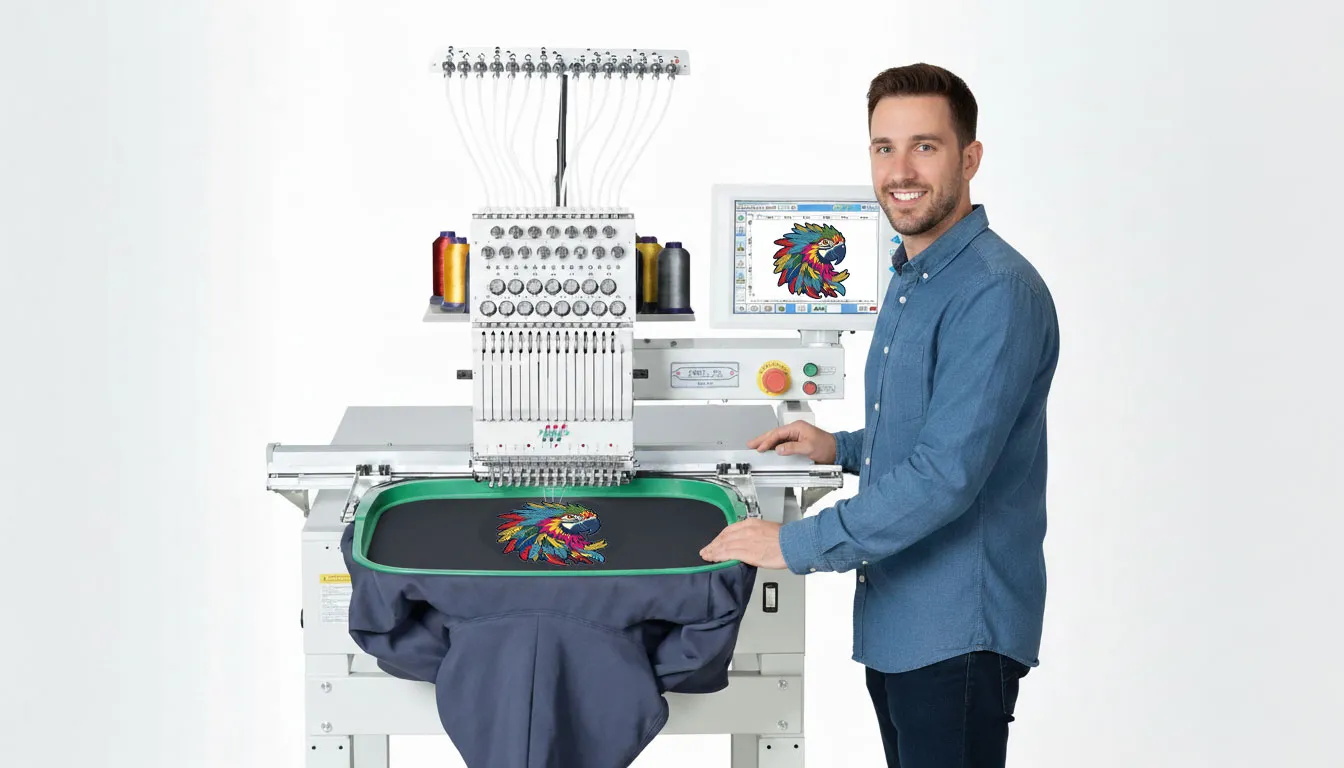
Machine embroidery speeds things up, but it adds a digitizing step. You need to turn your simplified photo into a stitch file (like PES, DST, or EXP).
As a beginner, don’t buy expensive software. Use Ink/Stitch. It’s free and runs inside Inkscape. Import your simplified photo. Trace each color area using the pen tool. Apply a fill stitch to each shape. Run the simulator to check for gaps. Export your machine’s file format.
Or do the smart beginner thing: pay someone. Fiverr has digitizers who will turn your simplified photo into a machine file for 10to
10to20. Worth every penny to skip the learning curve.
Then load the file onto your machine, hoop your fabric, and press start. The machine does the rest.
Beginner Mistakes That Are Totally Normal
You will make these. Everyone does. Don’t quit.
Mistake one: Picking a photo that’s too small. A one‑inch face loses all detail. Fix: stitch at least 4 inches wide.
Mistake two: Using all six strands of floss on tiny details. That’s like painting with a broom. Fix: separate floss. Use two strands for normal stitching, one strand for eyes and small lines.
Mistake three: Pulling stitches too tight. Your fabric puckers like a raisin. Fix: keep stitches snug but not drum‑tight. Leave a little breathing room.
Mistake four: Skipping the test stitch on machine. You stitch directly onto your good fabric. Something goes wrong. Fix: always test on scrap fabric first.
Mistake five: Comparing your first try to Instagram. Those perfect hoops come from years of practice. Your first attempt will have charm, not perfection. Celebrate that.
Best Free and Cheap Tools for Beginners
Here’s my tried‑and‑tested list for anyone starting out:
- Photopea (free, browser‑based): posterize, find edges, contrast. Does everything.
- Stick n Stitch printable sheets ($10 for 10 sheets): removes the tracing headache.
- DMC floss ($0.70 each): reliable, everywhere.
- Bamboo hoop ($5): lighter and tighter than plastic.
- For machine beginners: Ink/Stitch (free) + Inkscape (free). Steep but free.
- For paying someone to digitize: Fiverr or Etsy. Search “photo to embroidery digitizing.”
You don’t need the $500 software. You really don’t.
Conclusion: Your First Photo Pattern Awaits
You just learned everything I wish someone told me before my first attempt. Pick a simple, high‑contrast photo. Posterize it down to 5 or 6 colors. Trace it onto fabric using printable stabilizer or a light window. Pick thread colors that feel close enough. Then stitch one color at a time, keeping your stitches even but not robotic.
Will it look like a printed photo? No. It will look like something better. It will look like you took a memory and turned it into texture. That’s the whole point of embroidery.
So stop overthinking. Pick a photo of someone you love or something that makes you smile. Follow these steps. And enjoy the quiet satisfaction of watching a picture become thread under your fingers.
Your first try might not be perfect. But it will be yours. And that’s exactly where every great embroiderer starts.